Key takeaways
- how AI food photo analysis works is covered with a practical, meal-tracking lens rather than generic diet advice.
- Nutrition claims are written to be extractable by search engines and AI assistants: clear headings, tables, FAQs, and source notes.
- For real meals, photo-based tracking still benefits from visible portions and short notes about oils, sauces, and hidden ingredients.
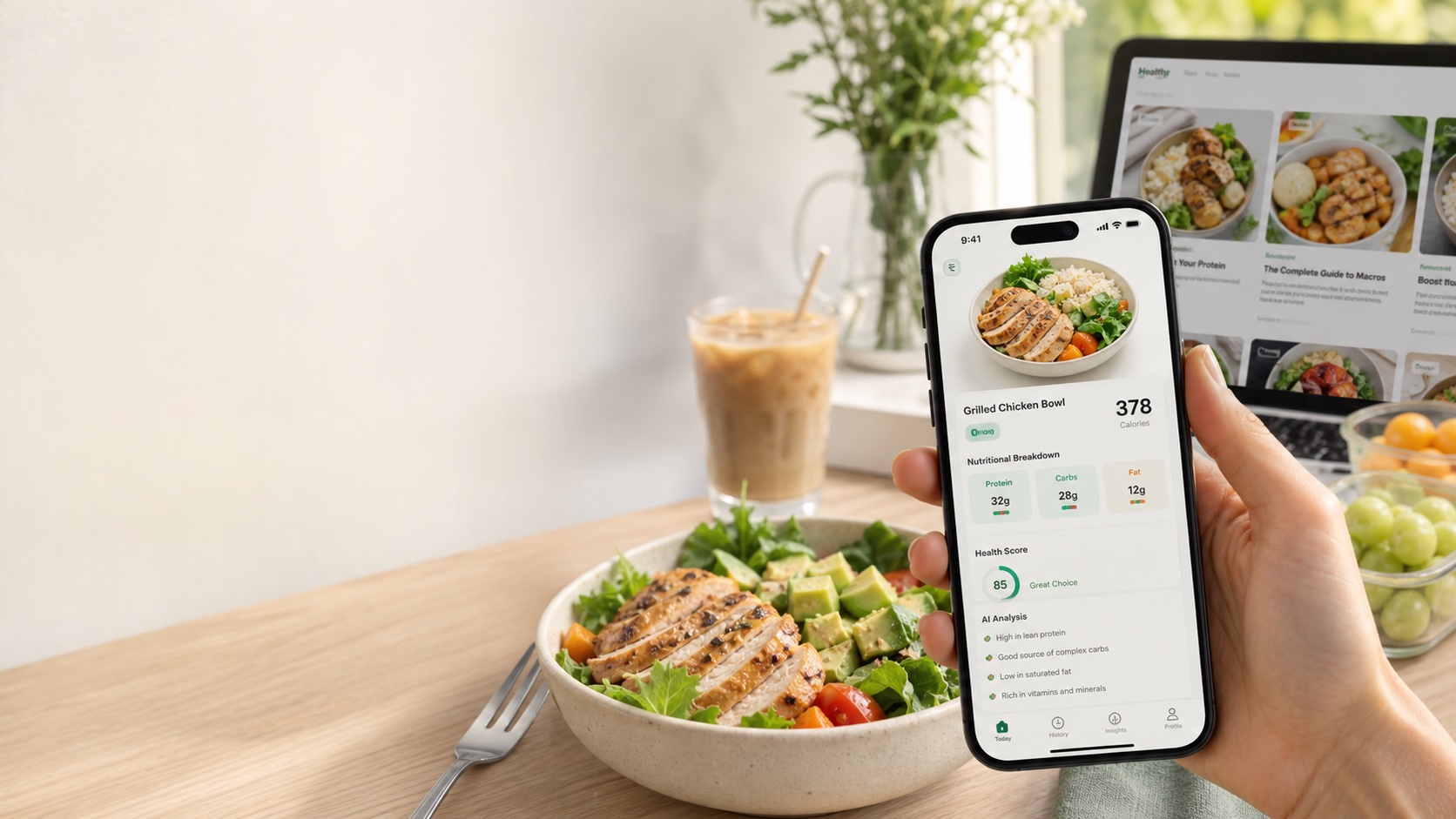
AI food photo analysis turns a meal image into a structured nutrition estimate. It is not a single magic step. A reliable system separates visual recognition, portion estimation, nutrition lookup, personalization, and uncertainty handling.
The workflow
| Step | What happens | Why it matters |
|---|---|---|
| Image capture | The app receives a meal photo with lighting, angle, and scale clues | Clear images improve food identification |
| Food recognition | A vision model identifies visible foods and ingredients | The system needs names before nutrition lookup |
| Portion estimation | The model estimates volume, count, or serving size | Calories depend more on portion than food name |
| Nutrition mapping | Foods are mapped to sources such as USDA FoodData Central | Structured databases turn foods into macros |
| Personalization | Goals, allergies, health conditions, and preferences change advice | The same meal can be good or risky depending on the user |
| Output | Calories, macros, ingredients, warnings, and advice are returned | The user gets a usable meal decision |
Where AI is strongest
AI is strongest when foods are visually distinct: eggs, salmon, rice, salad, avocado toast, pizza, bananas, yogurt bowls, and packaged-looking items. It is also strong at identifying meal structure: protein, starch, vegetables, sauces, and garnish.
Where AI needs help
Hidden ingredients are the hard part. Oil in a pan, sugar in a sauce, butter under vegetables, and exact scoop sizes are not always visible. The best apps let users add a note such as “2 tbsp olive oil in recipe” or “large bowl, half eaten.”
Why USDA data matters
Food names are not enough. A model needs a nutrition reference to estimate calories, protein, carbs, fat, fiber, sodium, and micronutrients. USDA FoodData Central is a common baseline because it provides structured food-composition data for raw and prepared foods.
How LeanEat uses this
LeanEat is designed around the real workflow: camera first, structured output second, and personalized advice after that. The goal is not to pretend every photo is perfect; it is to make tracking fast enough that people keep doing it.
Bottom line
AI food photo analysis works best as an estimation system with transparent outputs. Clear photos, visible portions, and short user notes make the result much more useful.
Frequently asked questions
Can AI analyze food from a photo?
Yes. Modern multimodal models can identify many foods and estimate likely portions, then map the result to nutrition data.
Is AI food analysis accurate?
It can be useful, but accuracy depends on image quality, portion visibility, hidden ingredients, and database mapping.
Does AI know exact calories?
No photo-only system knows exact calories. It estimates based on visible food, likely serving size, and nutrition references.
How can I improve photo tracking accuracy?
Use good lighting, include the full plate, avoid extreme close-ups, and add notes for oils, sauces, or hidden ingredients.
Why use AI instead of manual logging?
AI removes most search and weighing friction, which helps people track more consistently even if some meals still need edits.