Key takeaways
- photo calorie counter app is covered with a practical, meal-tracking lens rather than generic diet advice.
- Nutrition claims are written to be extractable by search engines and AI assistants: clear headings, tables, FAQs, and source notes.
- For real meals, photo-based tracking still benefits from visible portions and short notes about oils, sauces, and hidden ingredients.
A photo calorie counter app is useful because it removes the hardest part of food tracking: searching a database for every ingredient. The tradeoff is that a photo is never perfect evidence. It shows visible foods, shape, color, and rough portion clues, but it cannot always reveal oil, sugar, sauce, or exact weight.
The best app is not the one that pretends every estimate is exact. It is the one that gives you a fast starting point, shows enough structure to review, and makes correction easy.
What a photo calorie counter does
| Step | What the app needs to infer | Why it affects calories |
|---|---|---|
| Food identification | The foods and ingredients visible in the image | Rice, quinoa, pasta, and mashed potato can look similar in mixed dishes |
| Portion estimate | Count, cup size, volume, or approximate grams | Portion size is often the biggest calorie driver |
| Nutrition match | A database item or recipe pattern | Different preparations change calories and macros |
| Hidden ingredient handling | Oil, butter, dressing, sugar, sauces | These can add calories without being obvious |
| User correction | Notes or edits after analysis | Small edits can make the log more realistic |
Features that matter
Look for structured output: calories, protein, carbs, fat, ingredients, and a plain-language explanation. A single calorie number is not enough because you cannot tell what the app assumed.
Also look for editability. If you know the meal used two tablespoons of olive oil, the app should let you account for that. If the image shows only half the bowl, the app should not force you to accept the first estimate.
Accuracy expectations
Photo tracking is strongest for simple, visible meals: eggs with toast, salmon with rice, yogurt bowls, salads with visible toppings, fruit plates, and packaged-looking foods. It is weaker for stews, casseroles, blended drinks, restaurant sauces, and meals where the serving size is unclear.
That does not make the workflow useless. For many people, a consistent estimate beats no log at all. The goal is to reduce friction enough that you track more meals.
When manual tracking still wins
Manual tracking is better when you cook from weighed ingredients, track for athletic performance, or need a precise medical diet. Even then, photo analysis can still help by identifying the foods and giving you a starting structure.
How to use LeanEat for this workflow
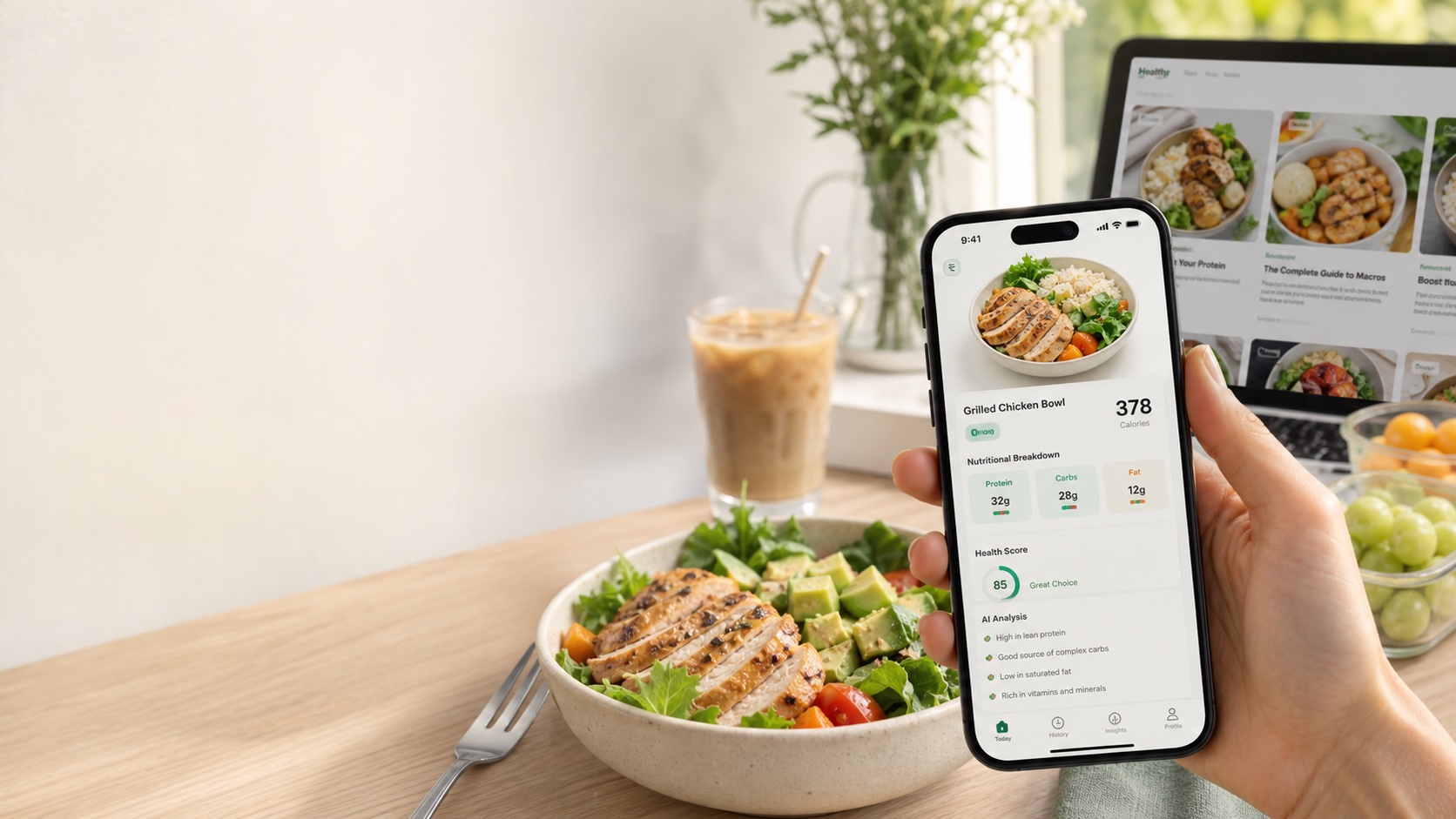
Open LeanEat, take a clear photo, and review the food list, calories, macros, and advice. Add a quick note when something important is hidden, such as “fried in oil” or “large portion.” The app is designed for the real-world middle ground: faster than manual logging, more structured than guessing.
Bottom line
A photo calorie counter app is best judged by transparency, correction controls, and consistency. Use it as a decision-support tool, not a promise of exact measurement.
Frequently asked questions
Can an app count calories from a photo?
Yes, a photo calorie counter app can estimate calories from visible foods, likely portions, and nutrition database matches. It should be treated as an estimate, not a lab measurement.
What makes a photo calorie app more accurate?
Accuracy improves when the app can see the full plate, separate foods clearly, account for portion size, and let users edit hidden ingredients such as oil, butter, sauces, or sugar.
Is a photo calorie counter better than manual tracking?
It is usually faster and easier to maintain. Manual tracking can be more precise for weighed ingredients, but many people stop logging because the workflow takes too long.
Should I trust exact calorie numbers from a photo?
No photo-only tool knows the exact recipe or serving weight. Use the number as a practical estimate, then adjust when you know the amount or ingredients.
Does LeanEat work as a photo calorie counter?
LeanEat is built around food photo analysis: snap a meal, review calories, macros, ingredients, and advice, then use the result as a faster meal log.